UTYPE: An App to Help You Build Your Next Keyboard
The problem
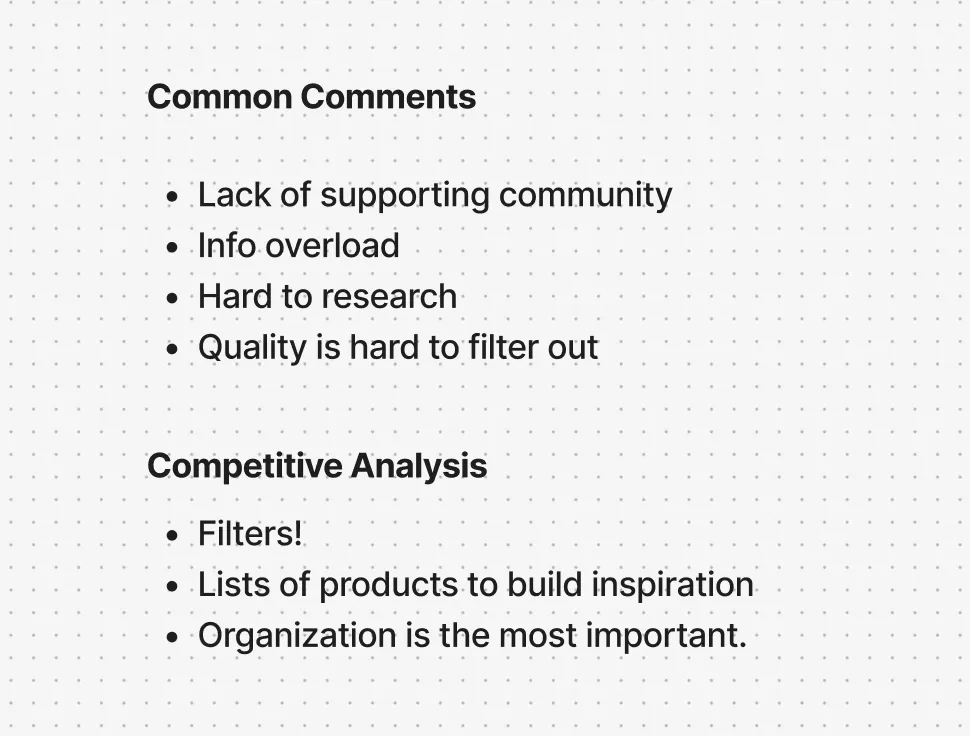
Most people use a keyboard every day, often one they don't enjoy. Keyboard users should invest in better tools, but most get overwhelmed by the choices, give up, and go back to keyboards that don't work well for them.
Who would use it
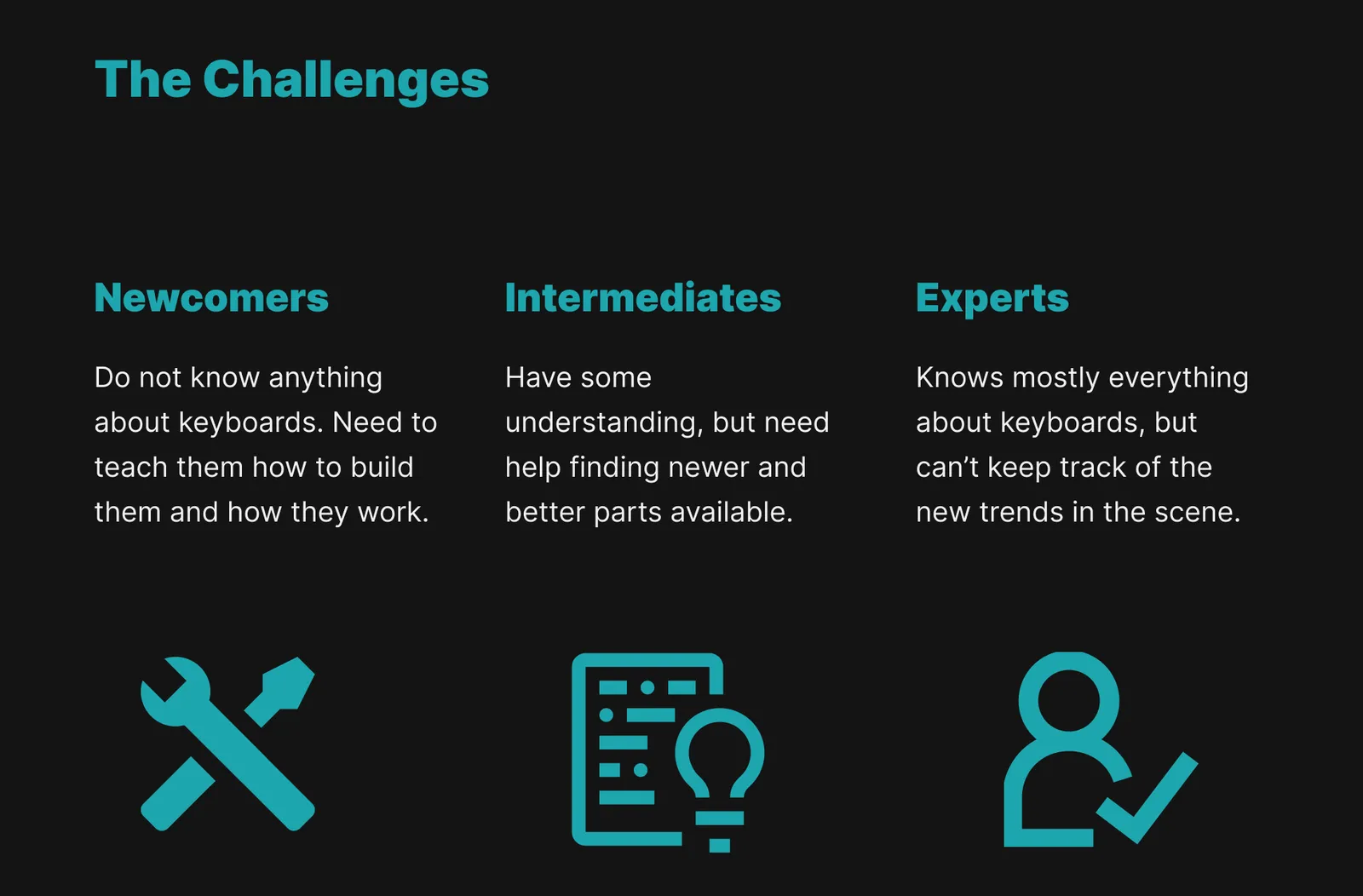
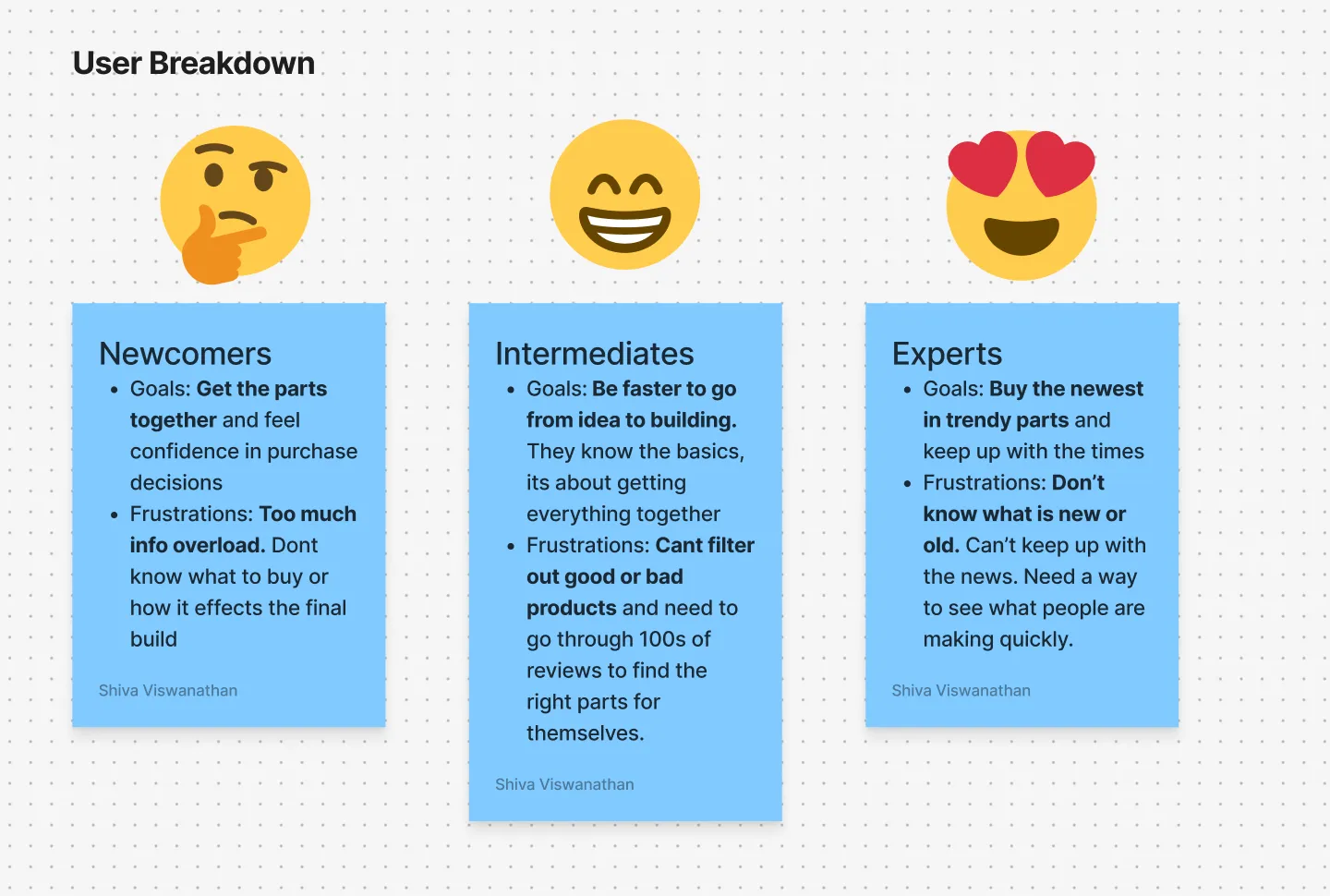
The audience is people who are a bit more tech savvy and use a computer at least 4 hours a day for work or play. Building a keyboard costs money, so most are working people in their 20s and 30s with the tech knowledge and income to do it.
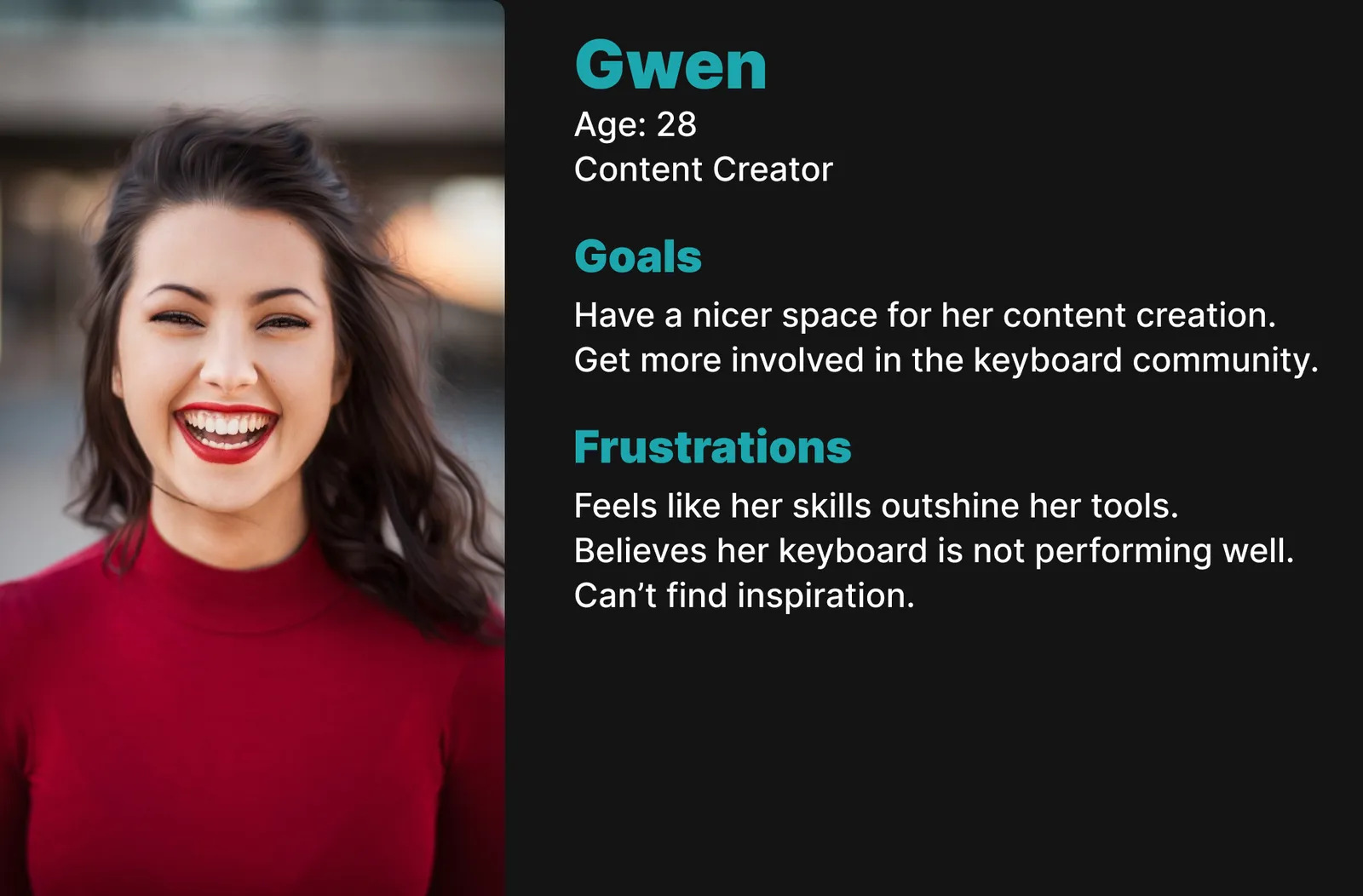
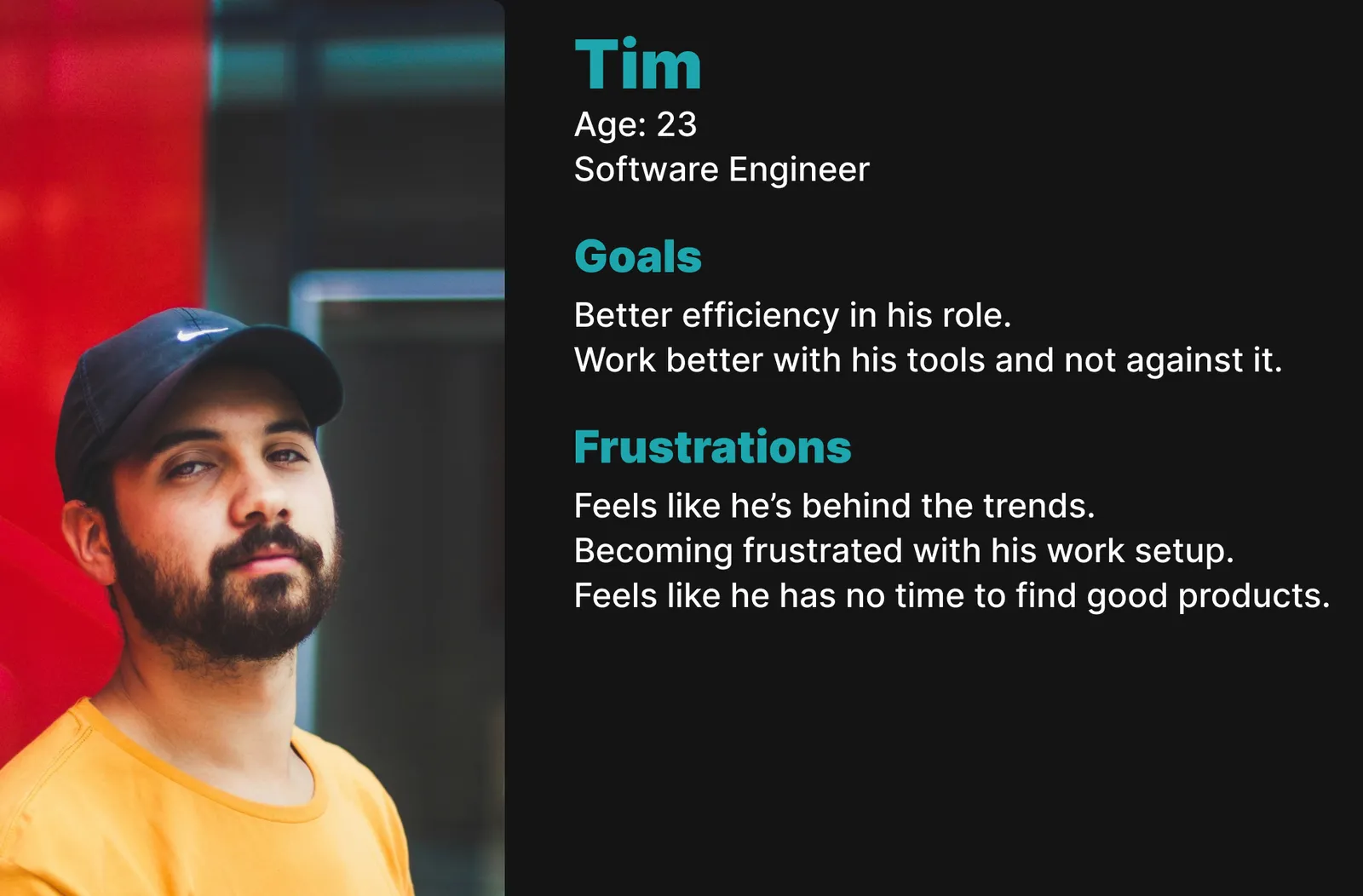
"I've recently switched to full-time content creation, but my accessories fall short for someone who uses them every day."
"I'm starting to feel the aches and pains of my 9-to-5. I've been looking at ways to improve my ergonomics so I feel better while I work."
The solution
UTYPE is an app for this problem in the niche mechanical keyboard community. It helps people buy better products for themselves and their workspace.
It's meant to:
- Help newcomers understand how a mechanical keyboard works.
- Help them buy a new keyboard or parts for one.
- Show off the mechanical keyboard community.
Reaching the audience
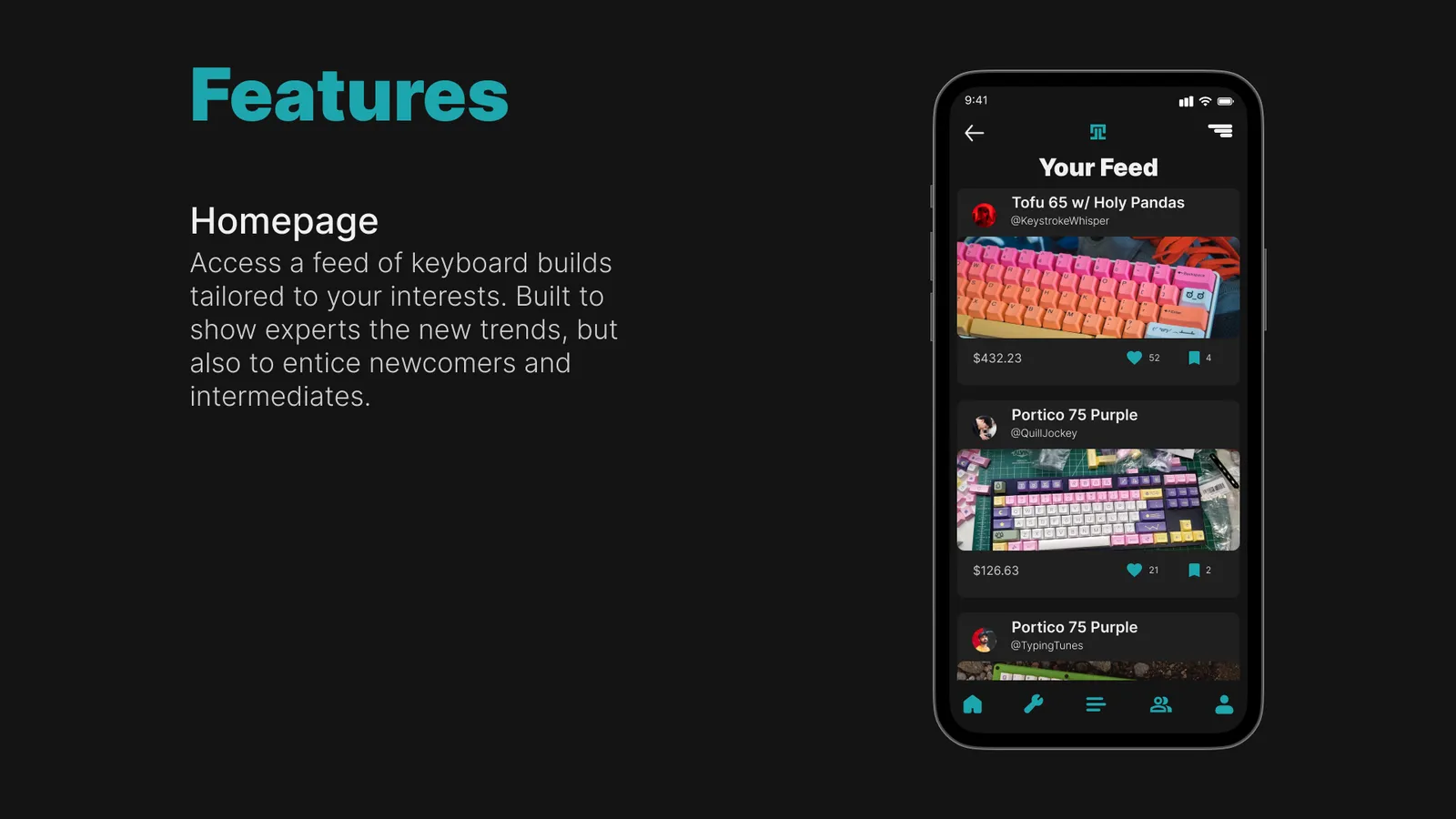
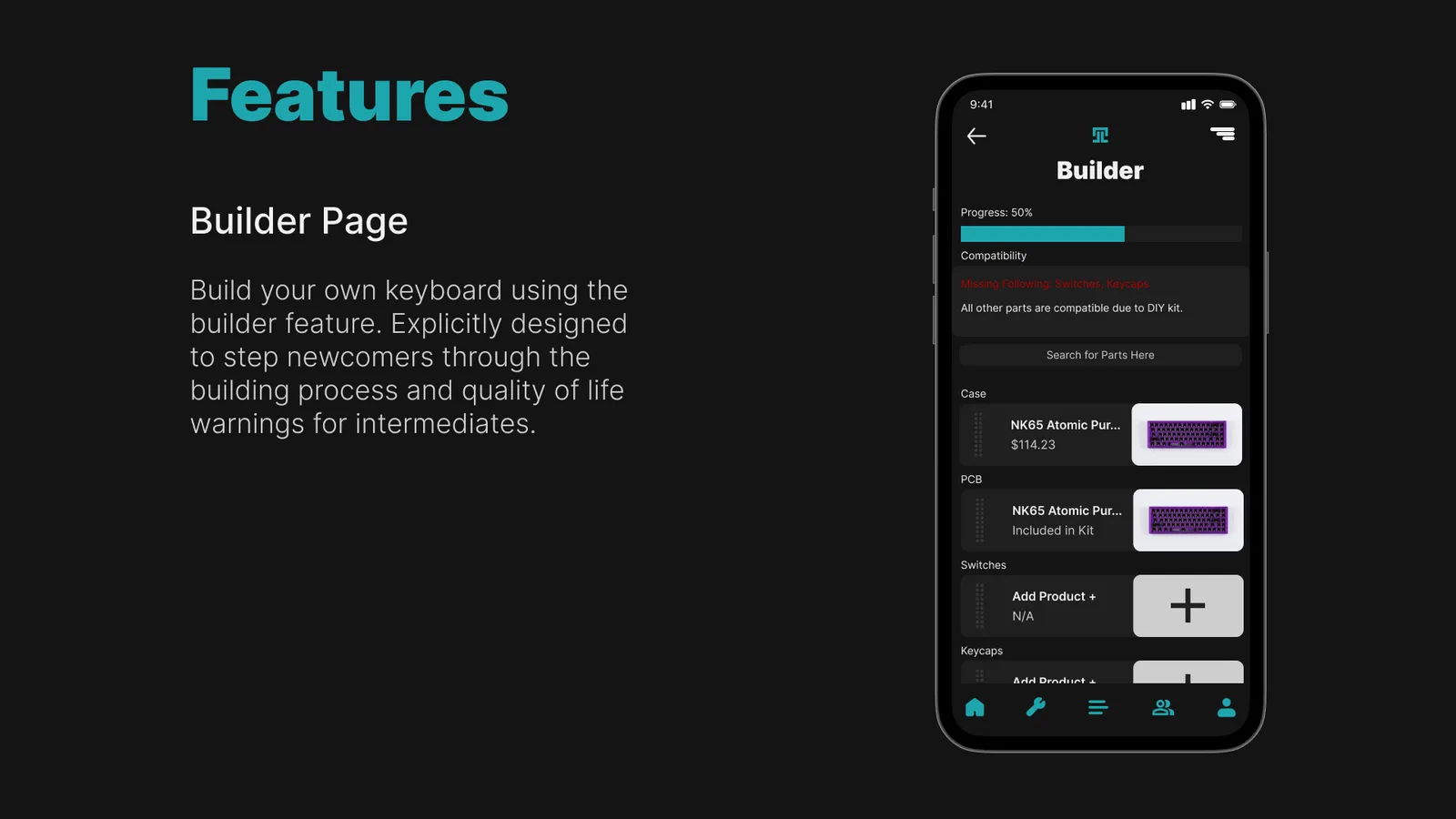
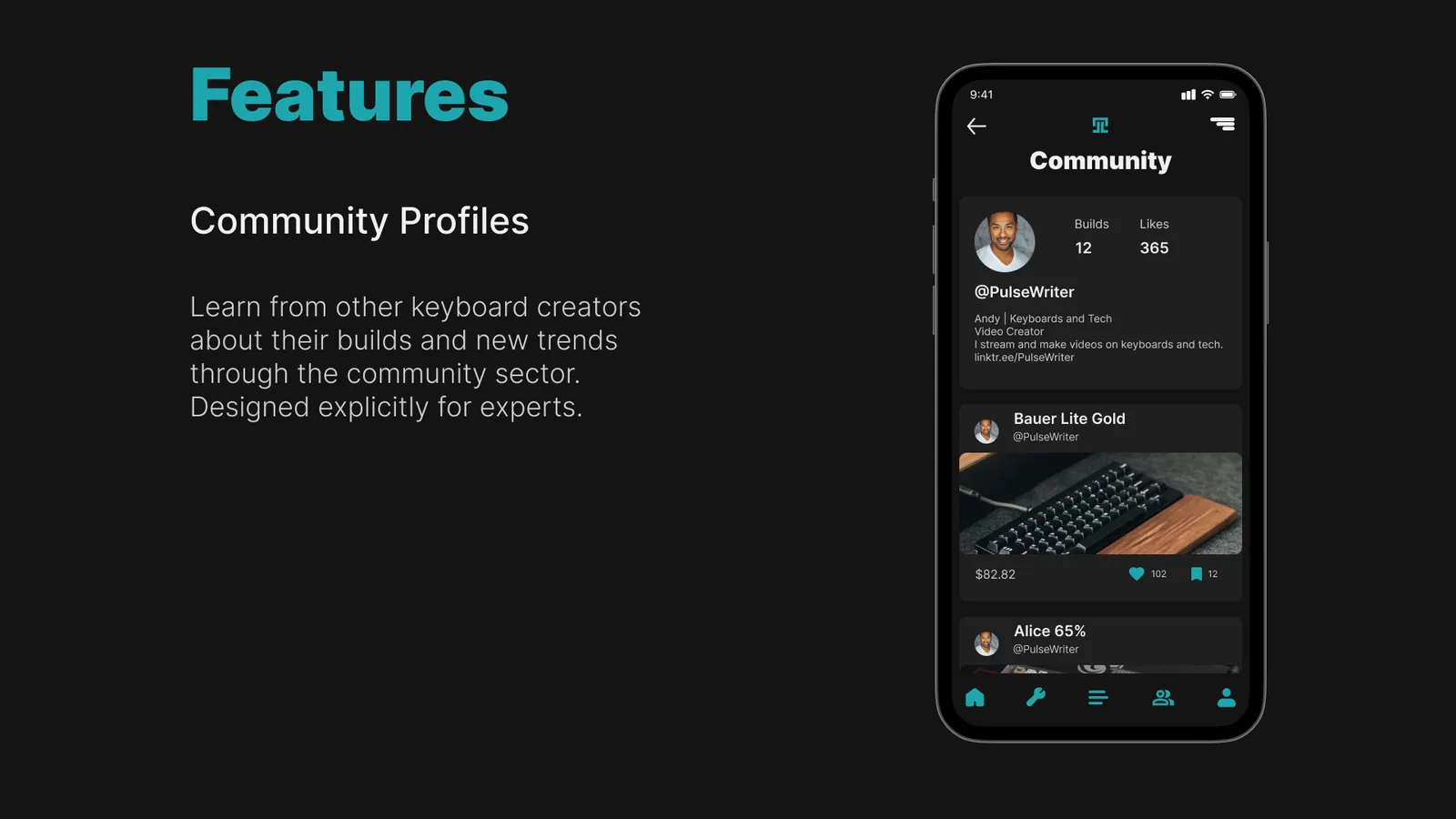
I combined features common to PC-building sites: a builder and a community space where people could find other builds for inspiration.
Laying out the design
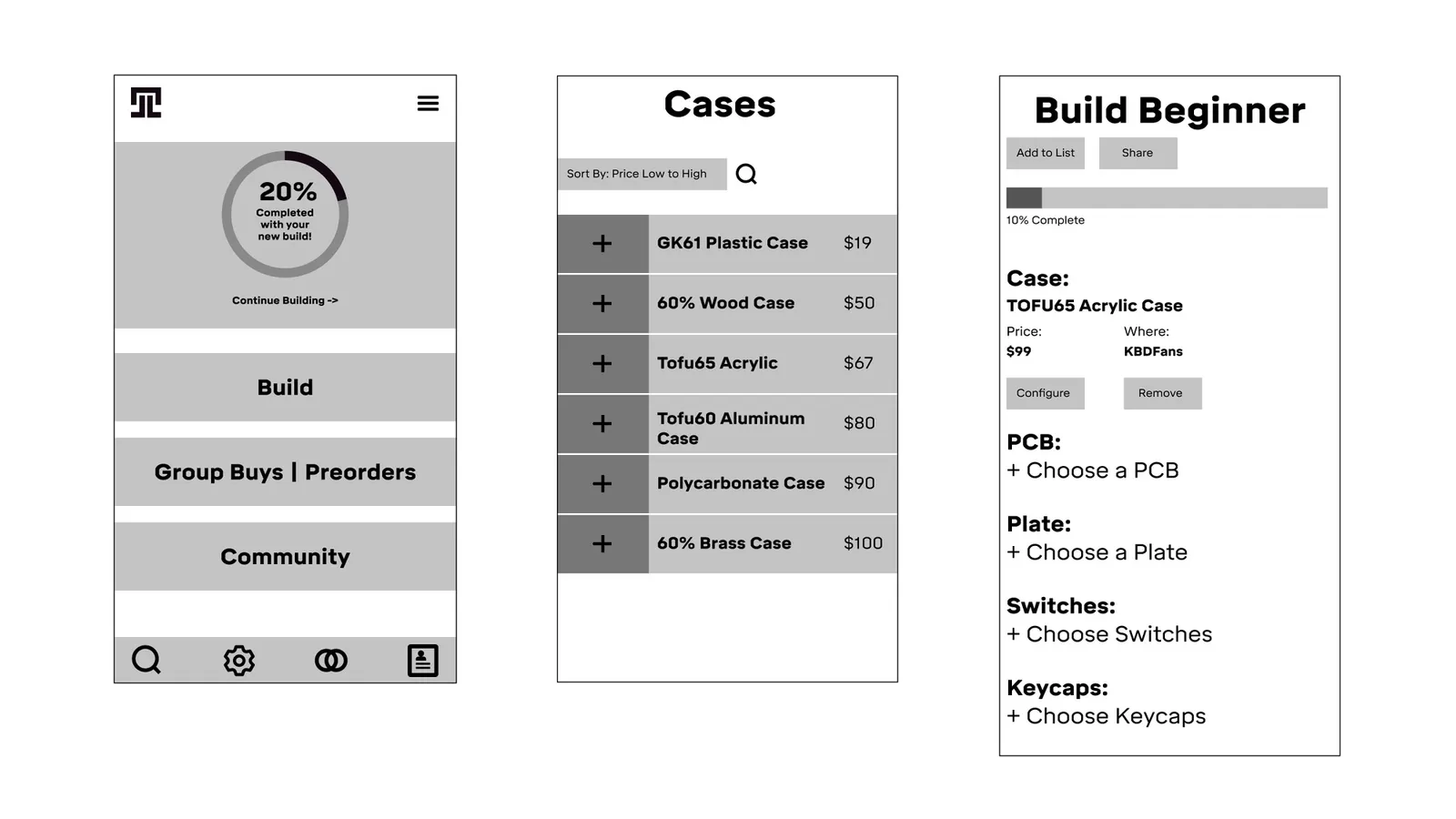
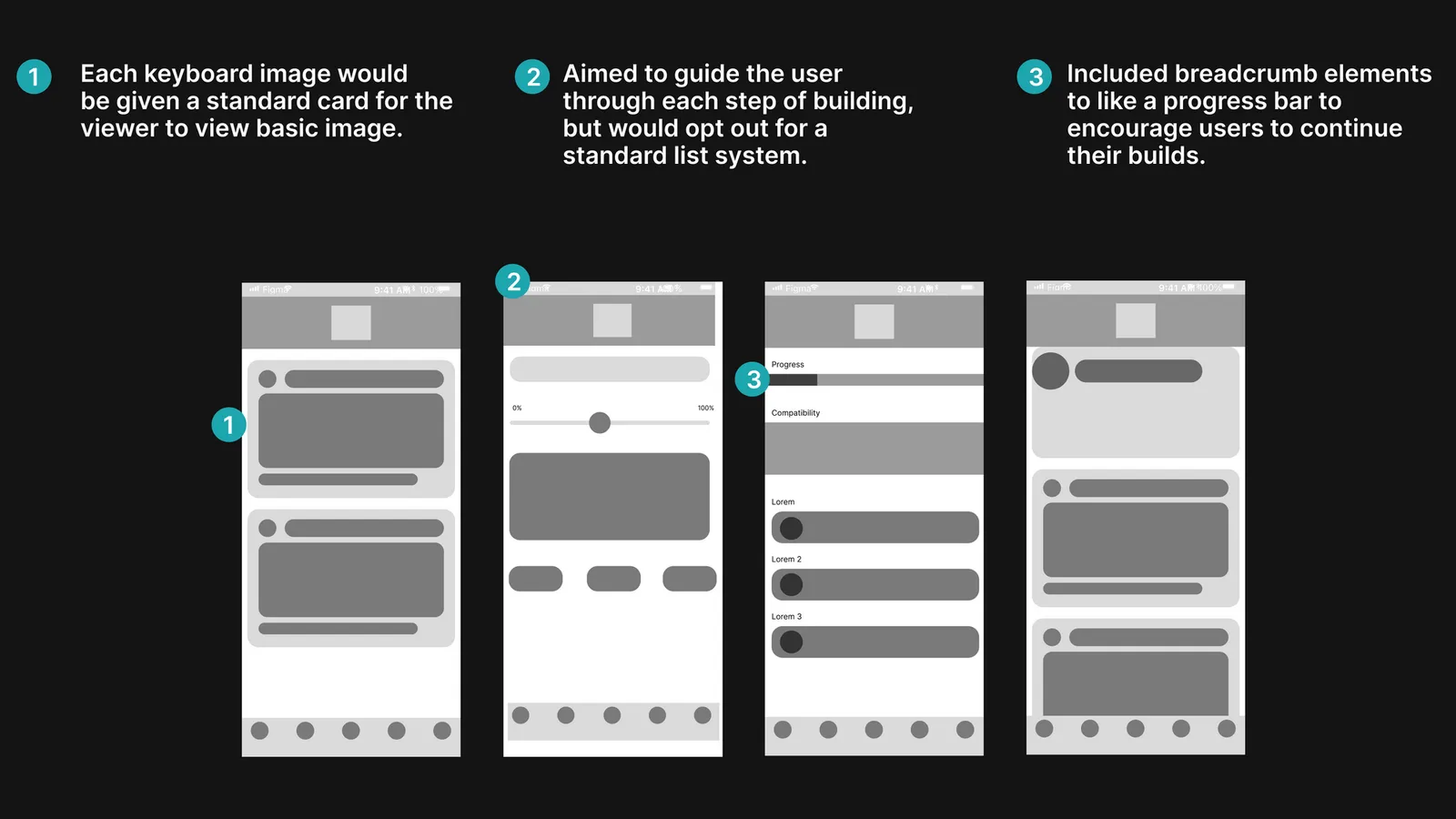
I wireframed the app around a system where people can understand the important parts of a build from a simple thumbnail. I also experimented with the builder. My first versions stepped the user through the process and put much more weight on the social features.
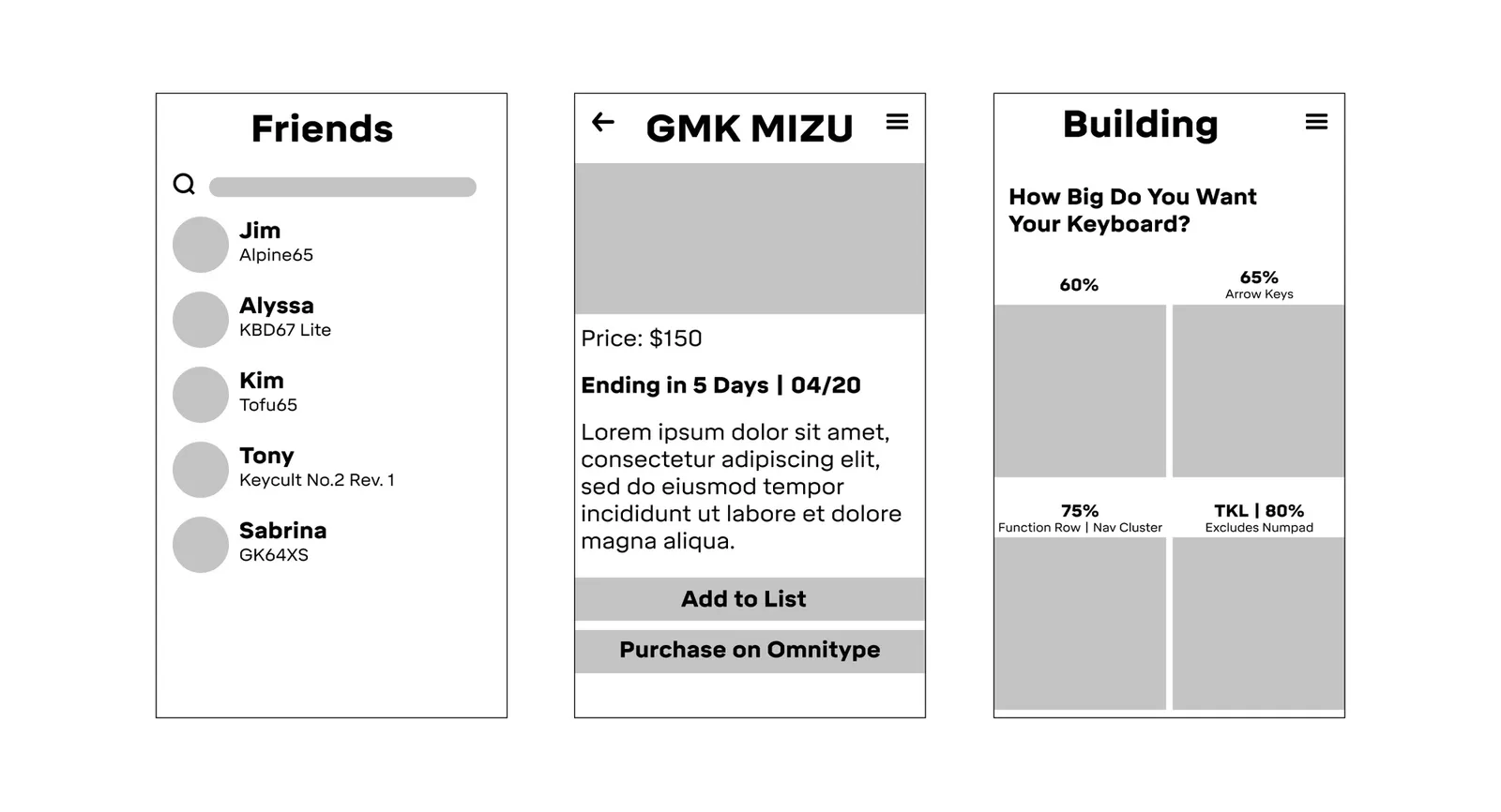
Key features and iterations
When I showed the first draft to a few people, they all said it felt bloated. It wandered away from the main goal: getting someone from point A (no keyboard) to point B (a full shopping list of parts). I cut most of the extras and kept only a few conveniences.
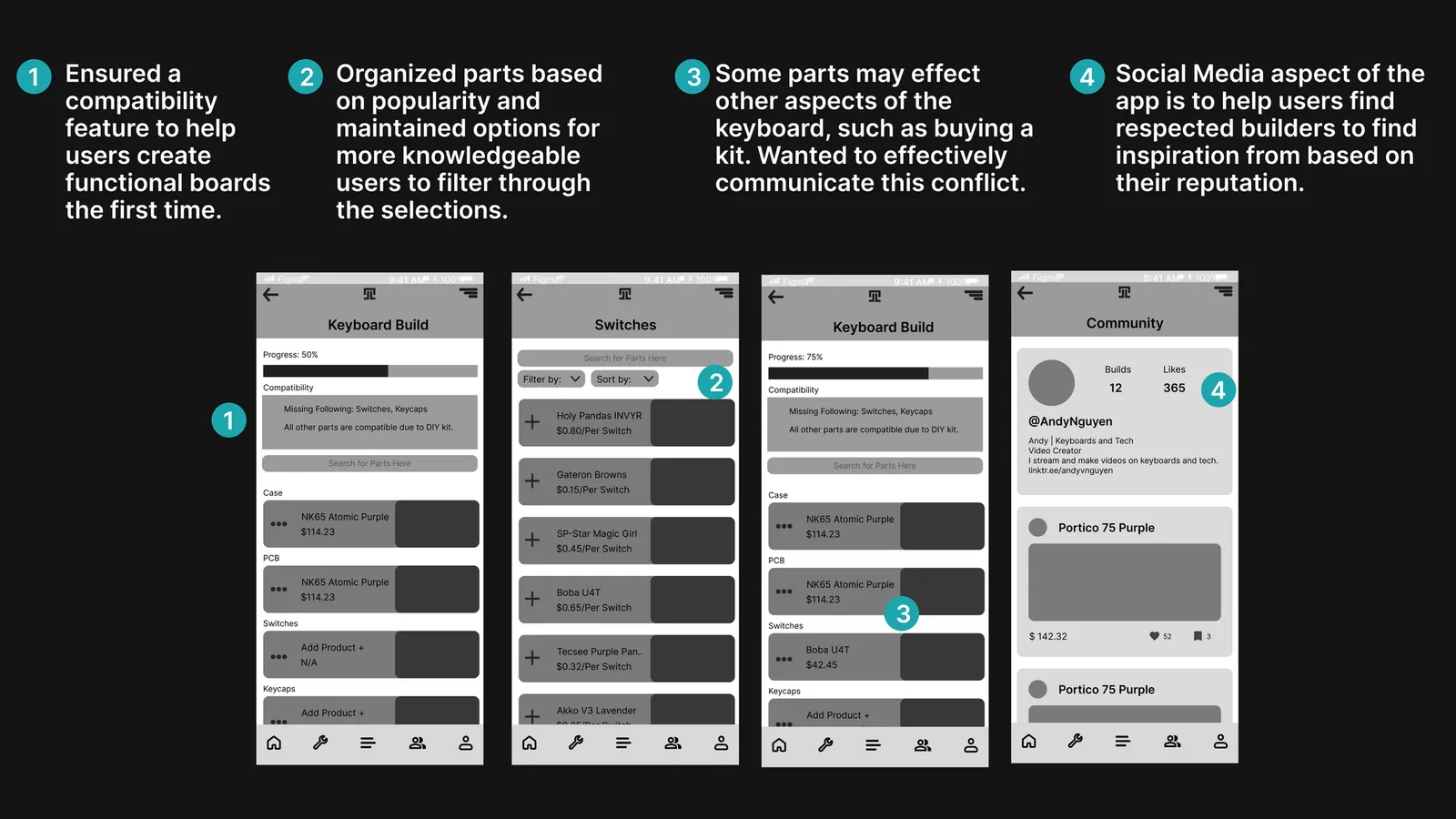
Visual design
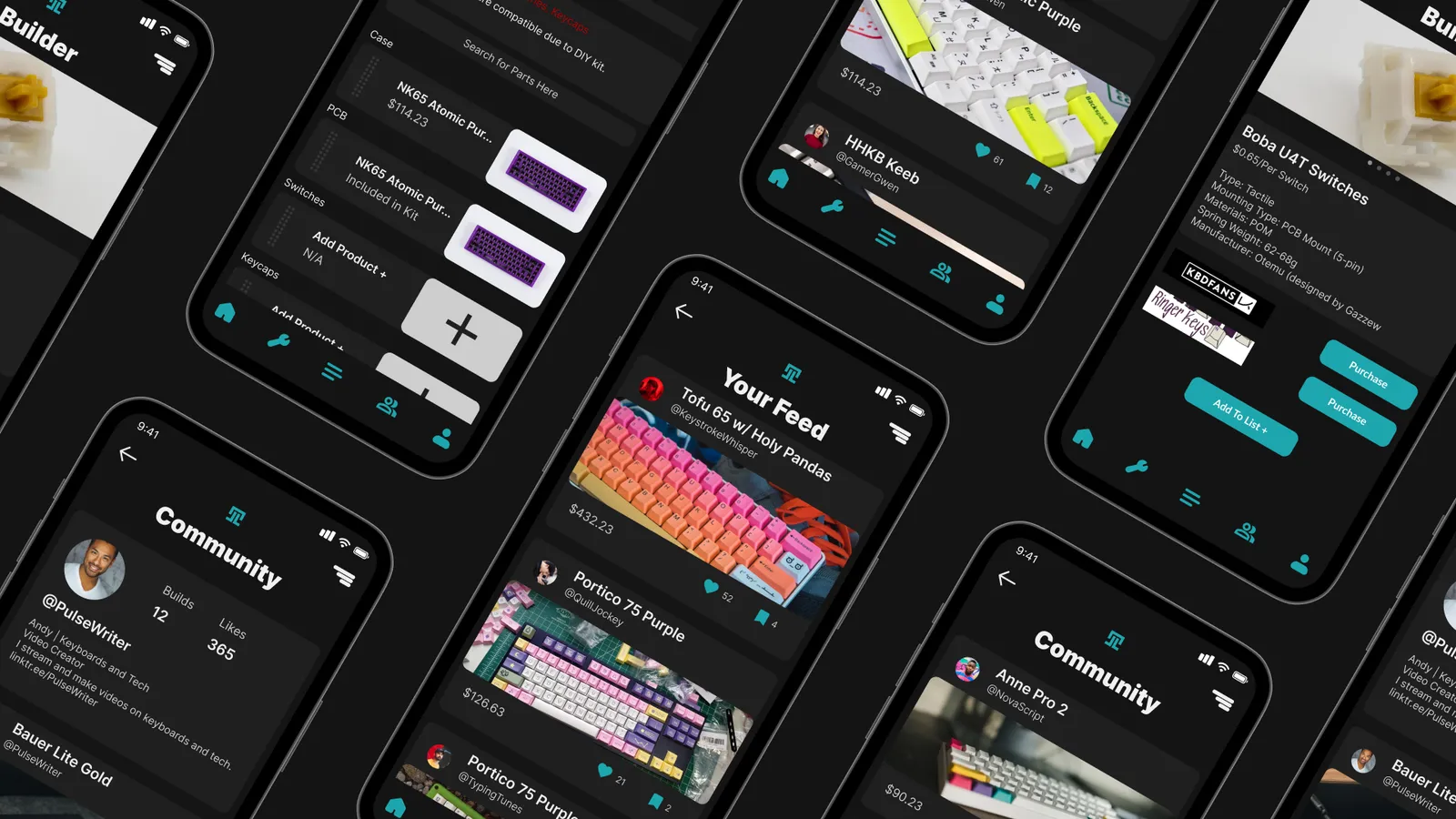
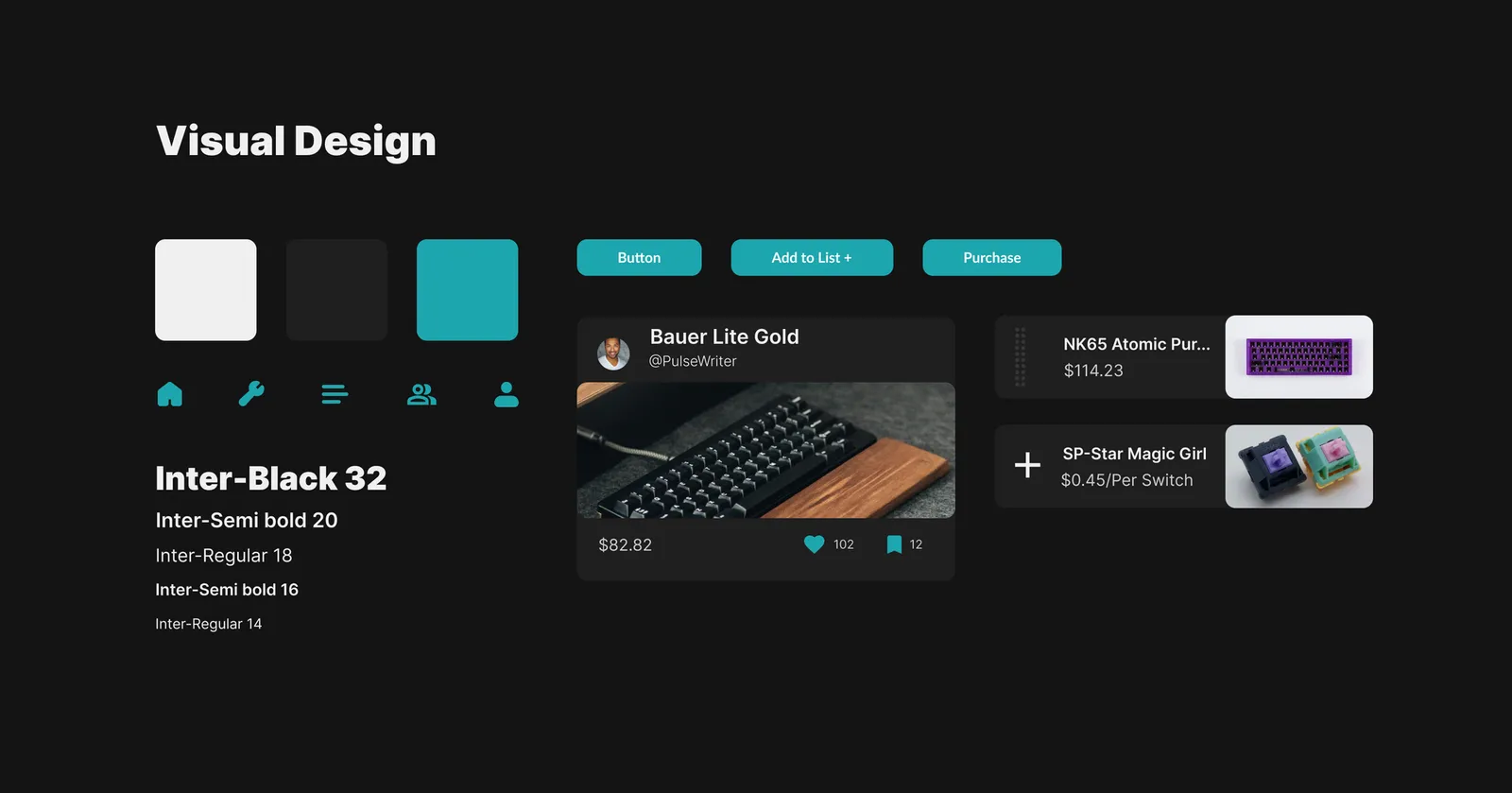
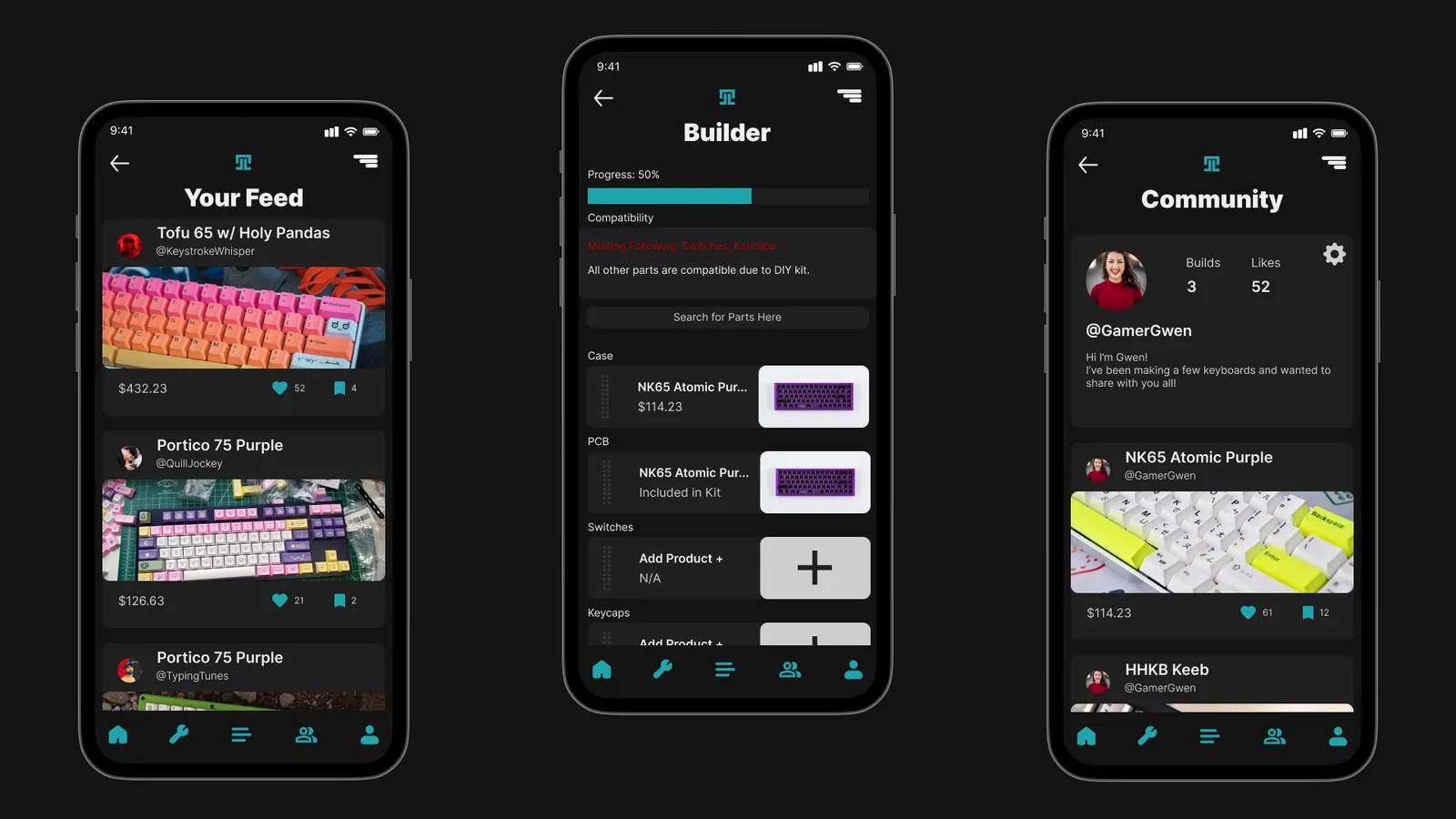
I kept the visuals simple so photos of keyboard parts stand out. Color and type point out important information without becoming the focus.
Final product
The final version came out of months of research and refining, condensing a lot of information into something easy to take in. It also encourages people to learn from others as they figure out how to build a keyboard.
Takeaways and next steps
UTYPE was my first full pass through the UX process, and it taught me a lot as I went from idea to prototype.
What I learned:
- Research individuals and groups. Neither matters more than the other.
- Testing with users at each stage of wireframing and prototyping saves you from redesigning whole parts later.
- Keep going back to the personas. They guide every step of the design.
Next Steps:
- Add more features to the prototype.
- Prototype desktop features that work alongside the app.
- Add more ways to sort lists and better ways to organize information.